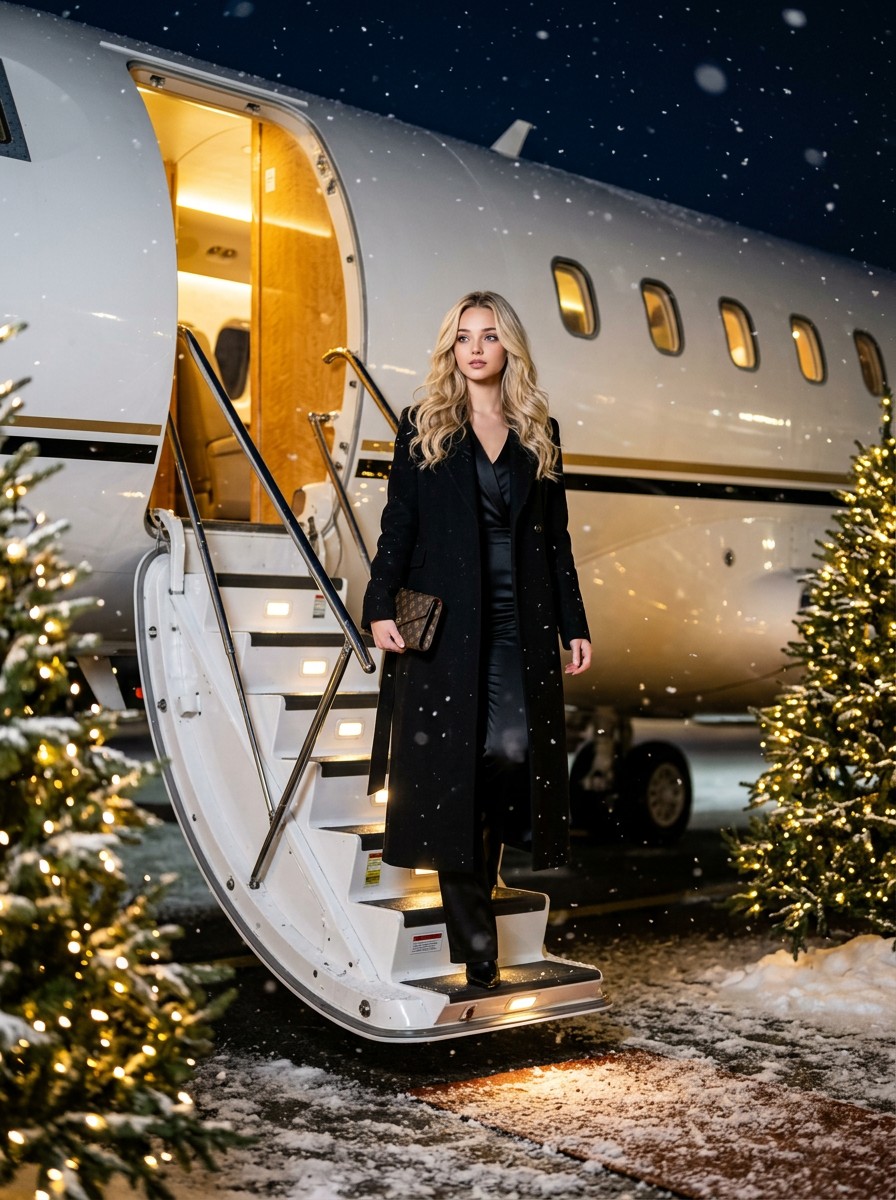
Star Steps AI Photo Generator
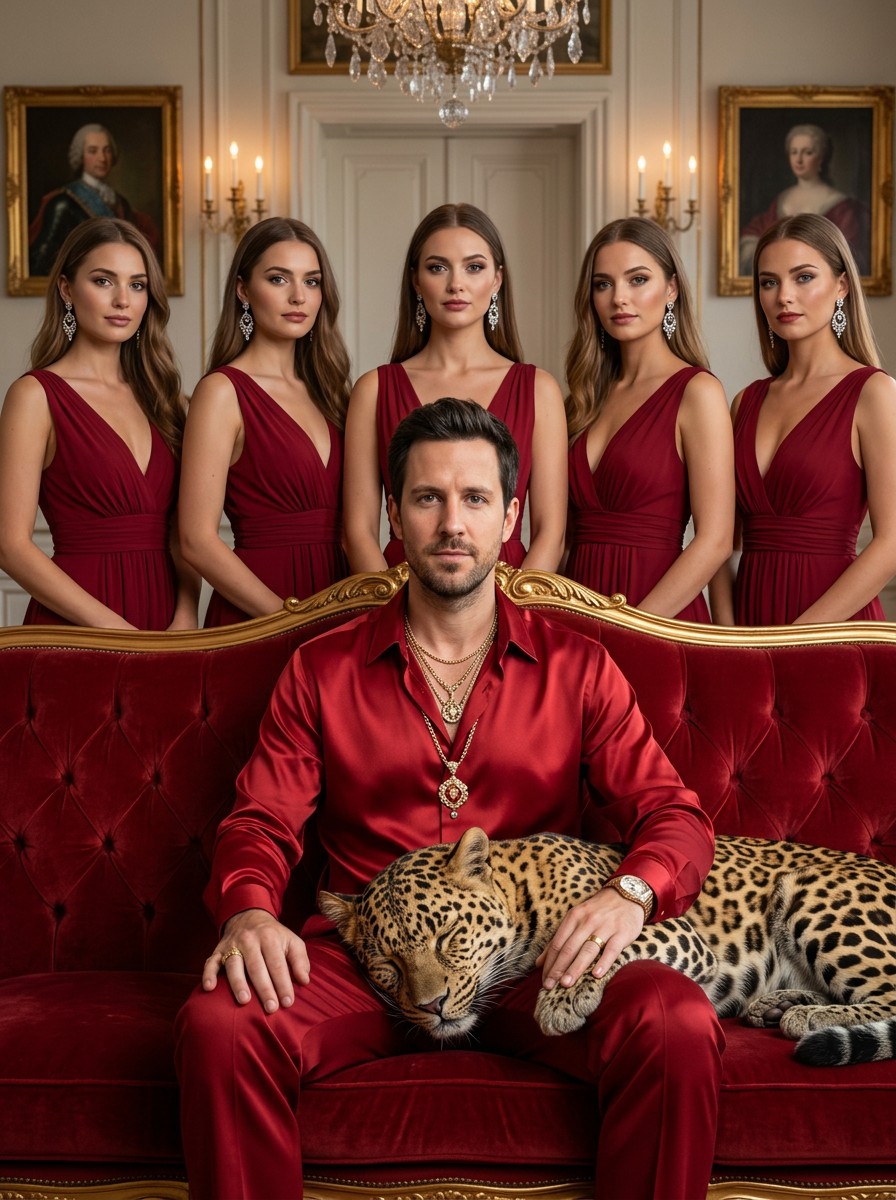
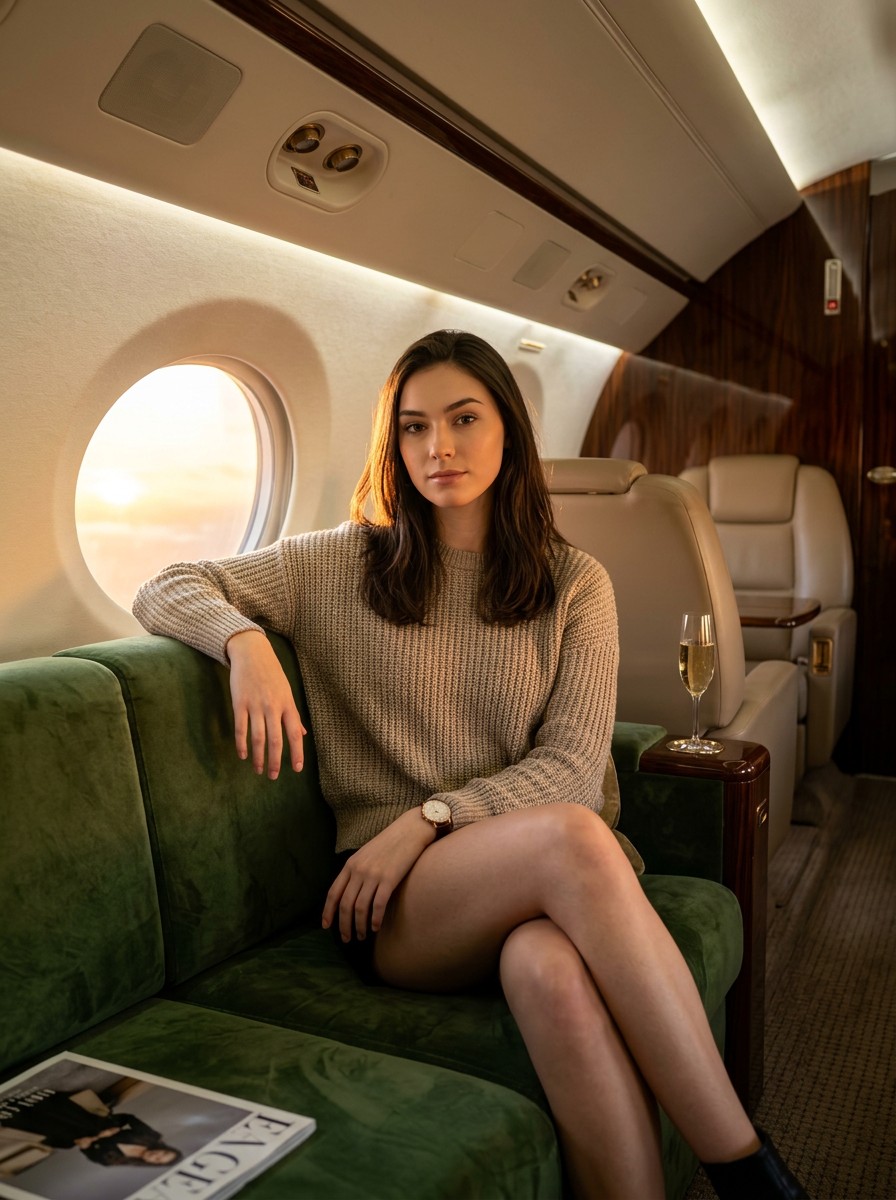
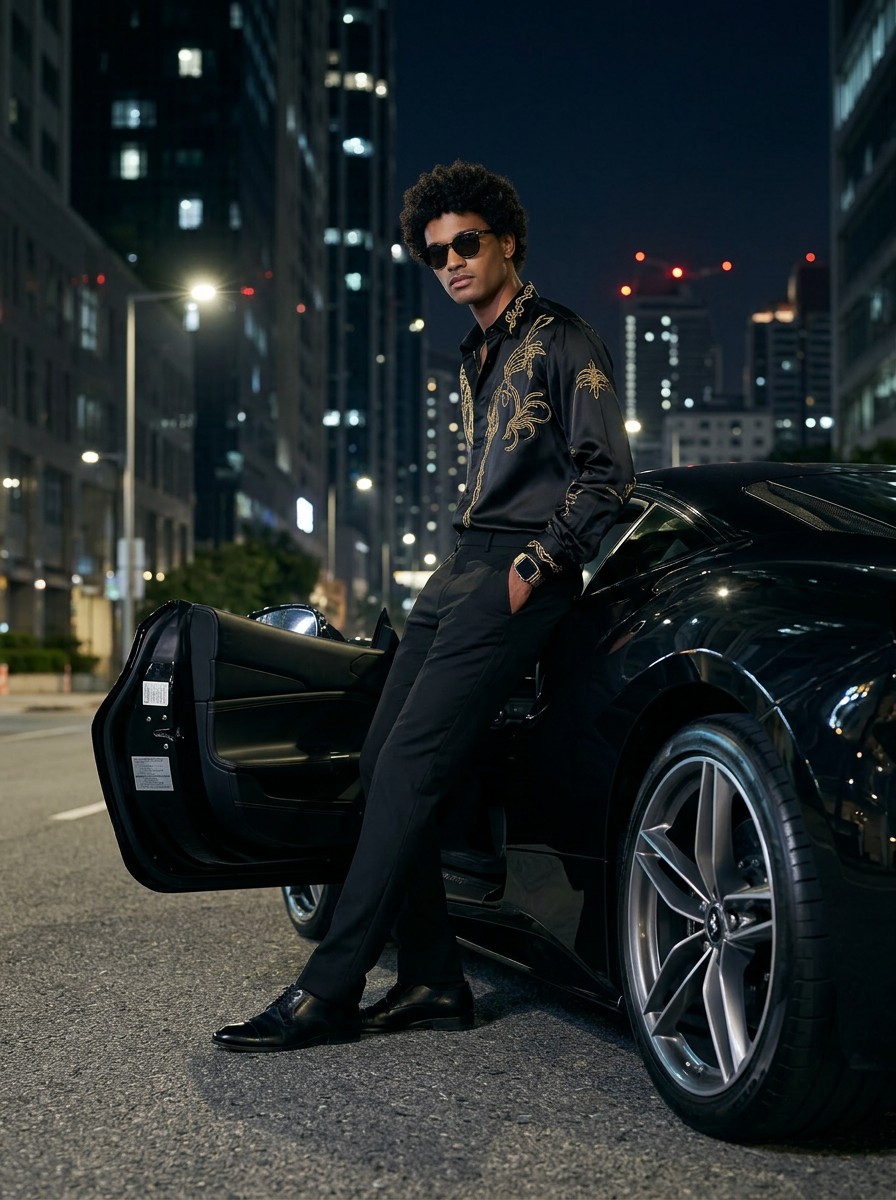
Users upload their own photos to generate portraits of themselves disembarking from a private jet. Upload a selfie, hit generate, and get a share-ready Star Steps image in about 5 seconds. The MakeMyTrend Star Steps generator is free, private, and tuned for the viral portrait aesthetic.
- Free to use
- No prompts needed
- Works with any selfie
- HD download & share
Generate your Star Steps portrait
How to make a Star Steps AI photo
- STEP 1Upload your selfie
Pick a clear front-facing photo. We compress it automatically.
- STEP 2Click generate
Our AI applies the Star Steps style in about 5–8 seconds.
- STEP 3Download & share
Save your portrait or share it instantly with a public link.
About the Star Steps trend
The Star Steps AI trend has gone viral across TikTok, Instagram, and X (Twitter), with creators turning their everyday selfies into stylised portrait portraits. Instead of writing complex prompts in tools like Midjourney or Stable Diffusion, MakeMyTrend bakes the Star Steps look into a one-click recipe so anyone can join in.
Behind the scenes, our generator uses Google's Gemini image models with a carefully tuned style pipeline so your face stays recognisable while the Star Steps aesthetic — its colour palette, lighting and composition — is faithfully applied. The result is a high-resolution portrait ready for your profile picture, story, or shared link.
Star Steps AI generator FAQ
What is the Star Steps AI trend?+
Star Steps is a viral AI photo trend in the portrait category. It transforms your selfie into a Star Steps-style portrait using AI image generation, letting you join the trend without any editing skills or design software.
How do I make a Star Steps AI photo of myself?+
Upload a clear front-facing selfie, click Generate, and MakeMyTrend creates your Star Steps portrait in about 5–8 seconds. No prompts, no Photoshop — the AI handles the style, lighting, and composition for you.
Is the Star Steps generator free?+
Yes — you can generate Star Steps portraits free on MakeMyTrend. Sign in, pick a photo, and your AI portrait is ready to download and share.
Is my photo private?+
Your uploaded photos stay in your private Photo Vault and are only used to create your own generations. We do not train models on user uploads.
What kind of photo works best for Star Steps?+
A well-lit, front-facing selfie with your face clearly visible and minimal background clutter gives the best Star Steps results. Avoid sunglasses, heavy filters, or group shots.